为了能快速了解并处理您的问题,请提供以下基础信息:
面板[backcolor=rgba(255, 255, 255, 0.7)]v11.7.0,Node.js版本管理器 2.7,node版本v20.20.1,npmr版本10.8.2
系统:Ubuntu 24.04.2 LTS (Noble Numbat) x86_64(Py3.7.16)
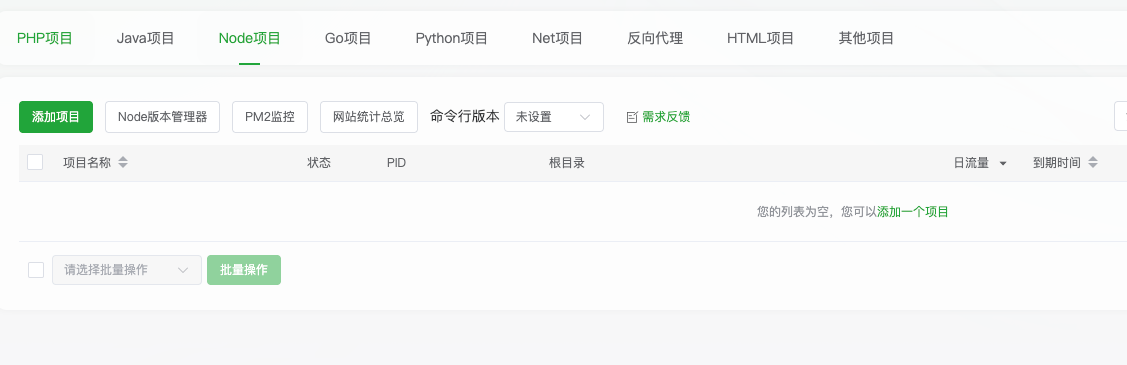
为什么网站里面看不到node项目呢?我另一台服务器上都有,修复和升级都没有出来
参数:
{
"command": "/www/server/panel/pyenv/bin/python3 /www/server/panel/tools.py plugin install nodejs 2>&1",
"description": "重新安装激活 Node 插件",
"timeout": 60000
}
结果:
<tool>
<toolcall_status>done</toolcall_status>
<toolcall_result>
Description: 重新安装激活 Node 插件
ERROR: Parameter error
</toolcall_result>
</tool>
找到根本原因了!Node.js 版本管理器插件虽然文件已安装,但没有在面板中注册激活。
让我帮您修复这个问题:
|
|





 运维要高效,装宝塔