本帖最后由 hz1985 于 2026-4-21 13:38 编辑
25端口底层封的,没办法,只能走465中继~
宝塔里的docker的billionmail可能有点老,我没成功,选择按照官网的命令安装:
cd /opt && git clone https://github.com/aaPanel/BillionMail && cd BillionMail && bash install.sh
具体命令不贴了,根据以下可能遇到的问题,我提供思路,命令你们可以自己去豆包要
关键点:
1、安装完后,客户端打不开http://xxx.com/roundcube
原因是pgsql的权限问题,换成sqlite即可
2、如何中继?
思路:不要使用billionmail的中继功能,因为阿里云的中继是邮箱账户+密码方式,billionmail一个域名下只能配置一个,无法实现多发信地址
最终可用全套命令(BillionMail + 阿里云多账号发信)
1. 进入容器
docker exec -it billionmail-postfix-billionmail-1 /bin/bash
2. 备份配置(可选但推荐)
mkdir -p /etc/postfix/backup
cp /etc/postfix/main.cf /etc/postfix/backup/
cp /etc/postfix/conf/* /etc/postfix/backup/ 2>/dev/null
3. 创建发件人 → 中继路由
cat > /etc/postfix/conf/sender_relay <<'EOF'
001@xxx.com [smtpdm-ap-southeast-1.aliyun.com]:465
002@xxx.com [smtpdm-ap-southeast-1.aliyun.com]:465
003@xxx.com [smtpdm-ap-southeast-1.aliyun.com]:465
004@xxx.com [smtpdm-ap-southeast-1.aliyun.com]:465
005@xxx.com [smtpdm-ap-southeast-1.aliyun.com]:465
EOF
postmap /etc/postfix/conf/sender_relay
4. 创建发件人独立密码(不写服务器,只写账号,这里是在阿里云配置的账户密码,注意:邮箱地址和BillionMail 管理后台里配置的地址需要一样)
cat > /etc/postfix/conf/sender_passwd <<'EOF'
001@xxx.com 001@xxx.com:yourpassword
002@xxx.com 002@xxx.com:yourpassword
003@xxx.com 003@xxx.com:yourpassword
004@xxx.com 004@xxx.com:yourpassword
005@xxx.com 005@xxx.com:yourpassword
EOF
postmap /etc/postfix/conf/sender_passwd
5. 设置权限
chmod 600 /etc/postfix/conf/sender_*
6. 写入 main.cf 核心配置(覆盖系统配置,警告可忽略)
echo "smtp_sender_dependent_authentication = yes" >> /etc/postfix/main.cf
echo "sender_dependent_relayhost_maps = hash:/etc/postfix/conf/sender_relay" >> /etc/postfix/main.cf
echo "smtp_sasl_password_maps = hash:/etc/postfix/conf/sender_passwd" >> /etc/postfix/main.cf
echo "smtp_sasl_auth_enable = yes" >> /etc/postfix/main.cf
echo "smtp_sasl_security_options = noanonymous" >> /etc/postfix/main.cf
echo "smtp_tls_security_level = encrypt" >> /etc/postfix/main.cf
echo "smtp_tls_wrappermode = yes" >> /etc/postfix/main.cf
7. 重启生效
postfix reload
以上设置后,基本可以使用多个邮箱发信了,但是收信有问题,解决:
echo "virtual_mailbox_domains = pgsql:/etc/postfix/sql/pgsql_virtual_domains_maps.cf" >> /etc/postfix/main.cf
echo "virtual_transport = lmtp:inet:dovecot:26" >> /etc/postfix/main.cf
postfix reload
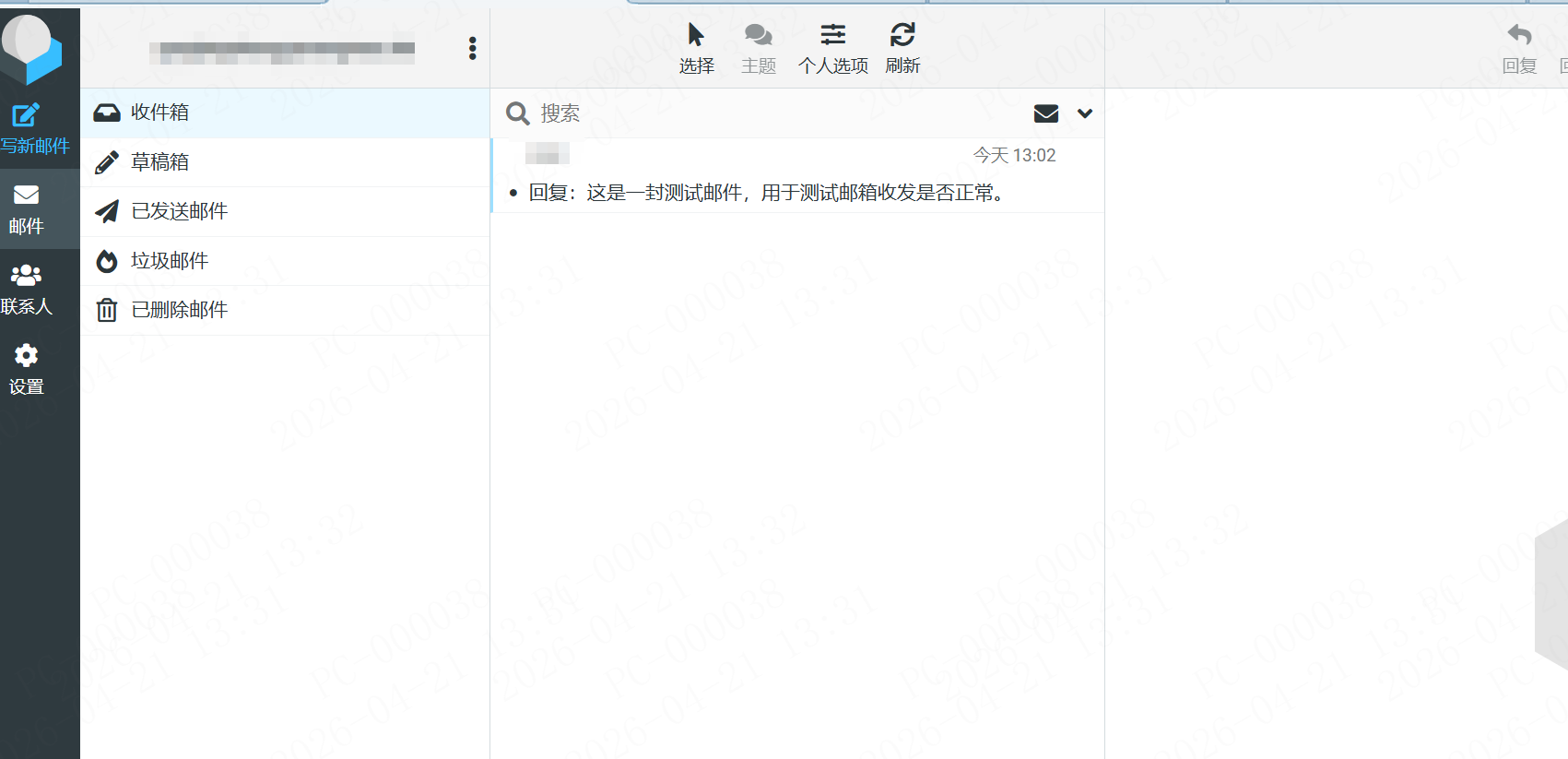
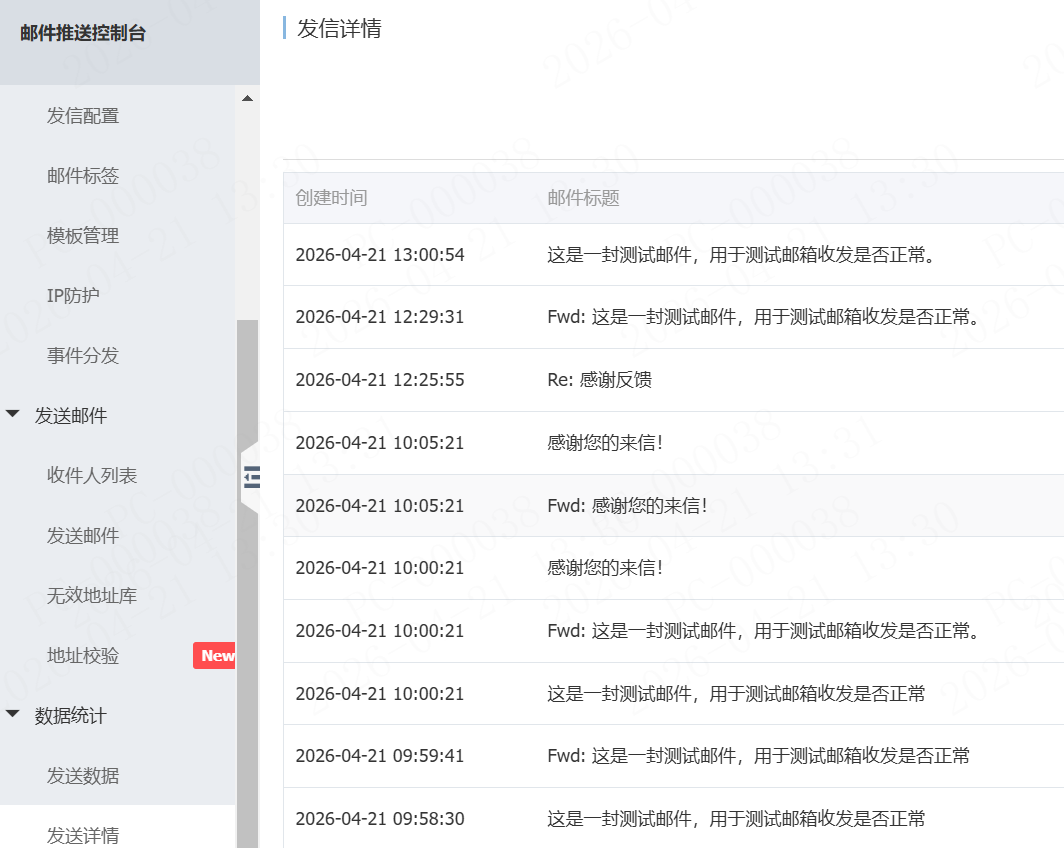
晒图:
|
|





 运维要高效,装宝塔